
Smart TVs Explained: Features, Performance, and What’s Worth Your Money

The morning rain finally let up here in Lisbon, and I’ve got the balcony doors open, a little jazz drifting out of a neighbor’s window, and a strong espresso keeping me company. I was supposed to be out exploring, but instead I’m parked on the couch, flipping through menus on a Smart TV that’s smarter than half the phones I’ve owned. It got me thinking about how much these screens have quietly taken over our living rooms — and whether they’re actually worth the space they take up.
- 1. What you get & what it’s for
- 2. Real-world performance
- 3. Quality, design & durability
- 4. Comparison with similar products
- 5. Pros and cons
- 6. Who it’s best for
- 7. Who should skip it
- 8. Is it worth the money?
- 9. Where to buy it (with value in mind)
- 10. Frequently Asked Questions (FAQ)
- 11. Quick verdict
- 12. Final thoughts
What you get & what it’s for
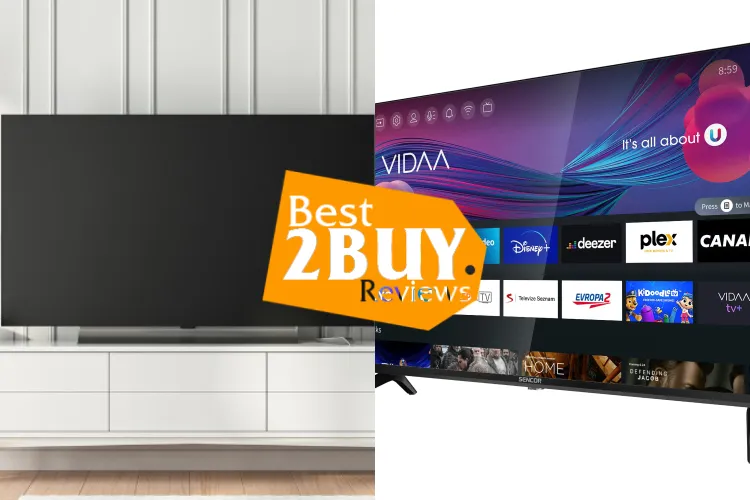
Smart TVs are the most recent advancement in television viewing technology. They’re built to do more than just show cable channels — they connect to the internet, run apps, stream on-demand content, and respond to voice commands through Alexa or Google Assistant. Most modern models come with 4K resolution, HDR support, built-in Wi-Fi, and access to a wide range of streaming apps.
In plain terms, a Smart TV is meant to replace the pile of boxes we used to stack under the screen. No separate streaming stick, no extra media player, no constant cable juggling. These TVs usually start at 32 inches and go way up from there, which makes them a fit for everything from a small apartment to a full-on home theater setup.
They matter right now because streaming isn’t “the future” anymore — it’s just how most people watch TV. A Smart TV keeps everything in one place and makes hopping between Netflix, YouTube, and live TV feel seamless.
Real-world performance
In daily use, most Smart TVs are pretty easygoing. Setup usually takes about 10–15 minutes: connect to Wi-Fi, log into your apps, and you’re watching something before your coffee gets cold. The menus vary by brand, but they’ve gotten a lot cleaner over the years.
Picture quality is where you really notice the jump. A decent 4K smart TV with HDR makes movies and sports look sharper and more balanced, especially in good lighting. Motion handling has improved too — fast scenes don’t smear the way older screens used to.
Over time, performance depends heavily on software updates. Some brands stay snappy for years, others start lagging when apps get heavier. Voice control is handy for quick searches, though I still use the remote more than I talk to my TV — old habits die hard.
Quality, design & durability
Build quality ranges from “solid enough” to genuinely impressive. Mid-range Smart TVs usually have slim plastic frames and sturdy stands. Premium options step things up with metal accents, thinner bezels, and better panel uniformity.
Durability hasn’t been an issue in my experience, as long as the TV stays put. These aren’t travel gadgets, but they handle daily use just fine. The weak spots tend to be the remote controls (easy to lose, easy to crack) and, occasionally, the operating system slowing down after a few years.
If you’re moving often or short on space, wall-mount compatibility and weight are worth checking before buying.
Comparison with similar products
Compared to older non-smart TVs, the difference is night and day. You’re getting built-in streaming apps, voice assistants, and regular software updates.
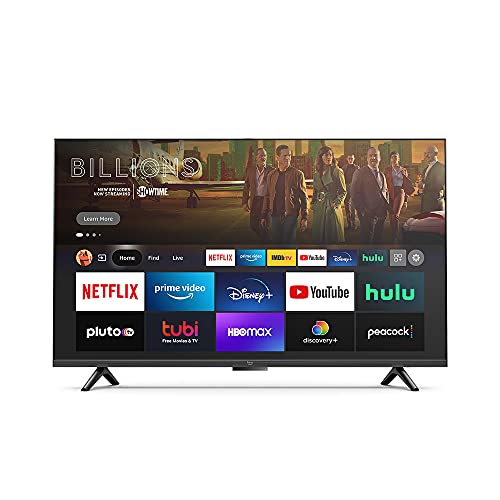
Against streaming devices like Roku or Fire TV sticks, Smart TVs win on convenience but sometimes lose on long-term speed. Dedicated streaming boxes often stay faster longer, while some TV interfaces age less gracefully.
When you compare panel types:
-
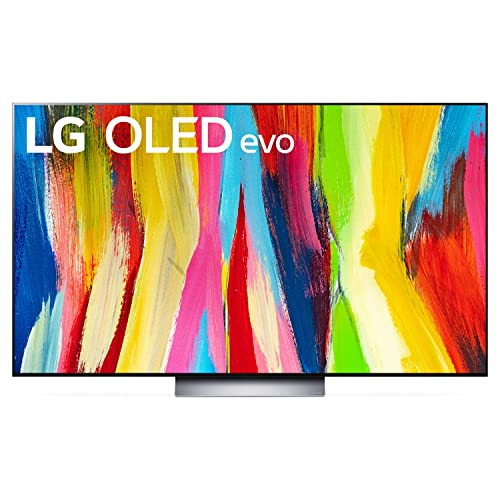
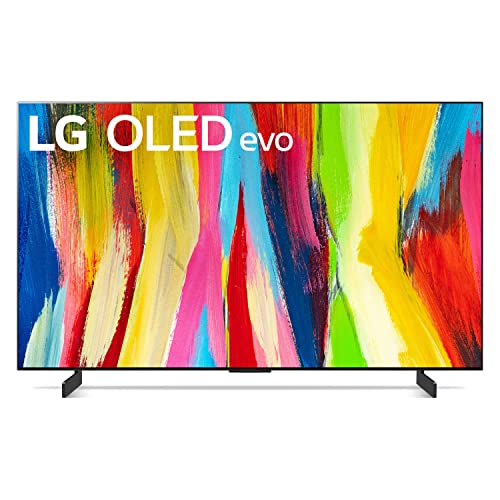
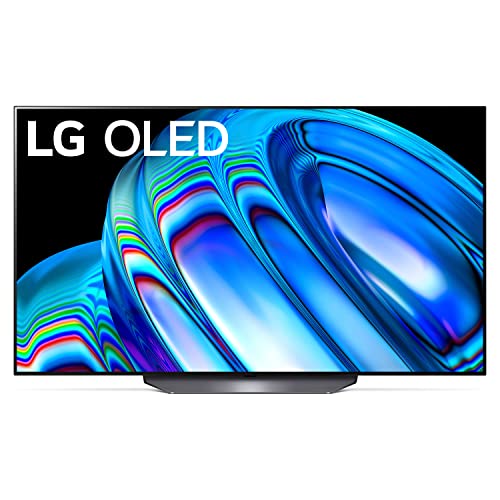
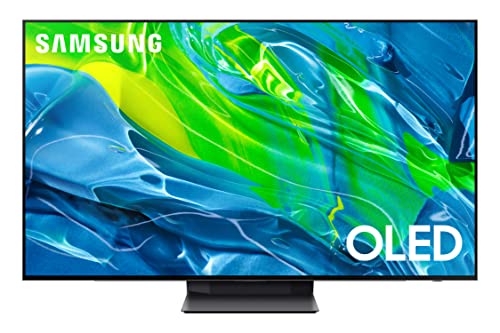
OLED TV models deliver deeper blacks and better contrast, especially for movies.
-
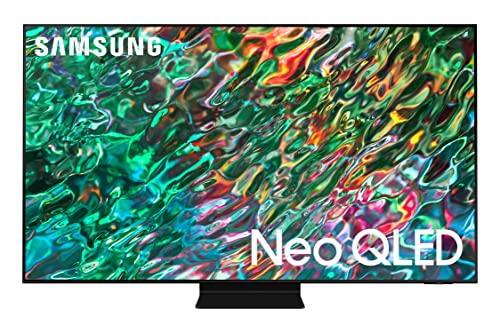
QLED TV options get brighter and handle sunny rooms better.
-
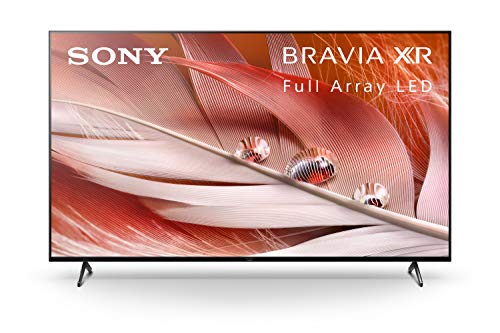
Standard LED smart TVs are more affordable and still look good for everyday viewing.
Pros and cons
✔️ Pros
-
All-in-one setup with streaming apps built in
-
4K resolution and HDR TV support on most models
-
Alexa or Google Assistant voice control
-
Clean, modern designs that fit most spaces
❌ Cons
-
Software can slow down over time
-
Built-in speakers are usually just “fine”
-
Premium picture quality costs more
Who it’s best for
Smart TVs make the most sense for:
-
Households that mostly stream shows and movies
-
Anyone upgrading from an older HD TV
-
People who want fewer devices and cables
-
Viewers looking at popular sizes like a 55-inch smart TV for living rooms
Who should skip it
You might want to look elsewhere if:
-
You already own a high-end TV and a fast streaming box
-
You hate software updates and smart features altogether
-
You’re on a very tight budget and just want a basic display
In those cases, a simpler TV paired with an external streamer can be a better fit.
Is it worth the money?
For most people, yes — within reason. Entry-level Smart TVs are affordable and deliver solid performance. Mid-range models hit the sweet spot for price and picture quality. High-end OLED and premium QLED TVs are worth it if you care deeply about image quality, but they’re not must-haves for casual viewing.
Even on sale, it’s worth checking the operating system and update history. A cheaper TV that stops getting updates can feel outdated faster than you’d expect.
Where to buy it (with value in mind)
Amazon usually has the widest selection of Smart TVs, from budget models to premium screens, along with frequent discounts and straightforward returns. Walmart can be competitive on pricing, especially for mainstream brands. Buying directly from the manufacturer sometimes gets you extended warranties, but prices are often higher.
On Best2Buy.reviews, product links go to Amazon for secure checkout and easy delivery, which keeps things simple when you’re comparing options.
Frequently Asked Questions (FAQ)
Do all Smart TVs support streaming apps?
Most do, including Netflix, Hulu, and YouTube, but app availability can vary by brand and region.
Is a 4K smart TV worth it for everyday viewing?
Yes, especially if you stream a lot. Even non-4K content often looks better thanks to upscaling.
What’s better: OLED TV or QLED TV?
OLED offers better contrast and blacks, while QLED gets brighter and suits well-lit rooms.
Can I use Alexa built-in TV features without an Echo?
Yes, many models have microphones built into the remote or TV itself.
Do Smart TVs need internet all the time?
For streaming and updates, yes. You can still use HDMI devices offline.
Quick verdict
Smart TVs do what they promise: they simplify entertainment. You get good picture quality, easy access to streaming, and fewer boxes under the screen. Just don’t overpay for features you won’t use.
Final thoughts
As the rain starts up again outside and the playlist shifts from jazz to something a little more disco, I’m reminded why I like these things despite their quirks. A Smart TV isn’t magic — it’s just a practical upgrade that fits how we actually watch shows now. I’ll be testing a few specific models next, but for now, this category gets a calm nod of approval from Samuel.